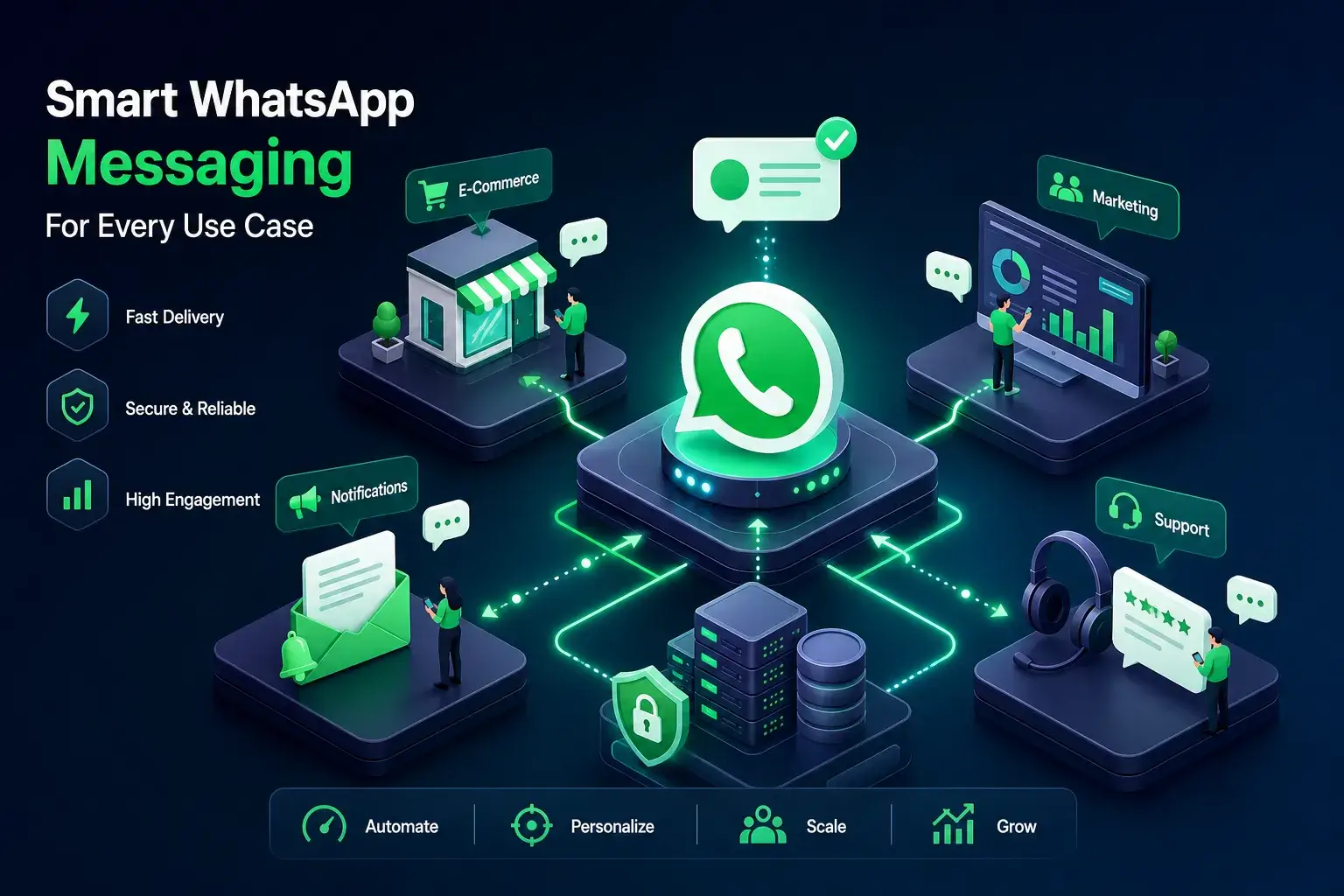
There are dozens of tools calling themselves WhatsApp message senders, and they work in fundamentally different ways. Most people don't realize they're comparing consumer browser tools to enterprise API infrastructure. A browser extension like ChatReach runs entirely inside your own browser and costs nothing to start. An API platform like Wati or Twilio requires a Meta-approved Business account, a setup process, and a monthly bill before you send message one.
Neither is wrong, they solve different problems for different users. The goal here is to help you pick the right type of WhatsApp automation tool for your actual situation: your contact volume, your technical comfort, your budget, and your risk tolerance. Three categories. Clear tradeoffs. One recommendation for your use case.
Why the tool category matters more than the feature list
Most people compare WhatsApp bulk senders by scanning feature lists. That's the wrong starting point. The more important question is: what architecture is the tool built on? The architecture determines how your contact data is handled, how long setup takes, what compliance risks you inherit, and how much you pay per month before sending a single message.
The three types covered in this guide are browser extensions, the native WhatsApp Business App, and API-based platforms. Each represents a different tradeoff between speed, scale, privacy, and cost. Pick the wrong category for your situation and no feature list will save you.
The three types of WhatsApp message senders explained
Before comparing specific tools, you need to understand the three architectures that every WhatsApp message sender falls into. The type of tool determines your setup time, your monthly cost, your data privacy exposure, and how likely you are to get your account flagged.
-
Browser extensions run on WhatsApp Web inside your Chrome browser. No cloud. No API keys. No Meta approval process. This is the core of what makes a WhatsApp bulk sender like ChatReach fast to deploy.
-
WhatsApp Business App is Meta's free native solution. It includes broadcast lists, quick replies, and a catalog. Built-in, but capped at 256 contacts per list.
-
API-based platforms connect to Meta's official WhatsApp Business API. They unlock volume tiers starting at 1,000 messages per day after basic verification, scaling to unlimited throughput. They also require Meta verification and monthly fees.
Each architecture handles your contact data differently. Browser extensions that operate locally keep everything on your device, verify each extension's privacy policy before importing contact lists, since not all extensions work the same way. An API platform routes your messages through a third-party server, which introduces both compliance capabilities and data exposure risk. The WhatsApp Business App sits entirely within Meta's own infrastructure. Your setup time to first send ranges from a few minutes with a browser extension to roughly two to fourteen days with an API platform, once you factor in Meta's business verification process.
WhatsApp message sender option one: browser extensions for zero-cloud bulk sending
For small businesses, community managers, and anyone who wants to start sending today without waiting on Meta approvals, browser extensions are the fastest path to WhatsApp bulk messaging. ChatReach is the standout tool in this category. It runs entirely inside your browser on WhatsApp Web, which means your contact data stays on your device rather than passing through an external server, a meaningful privacy advantage worth verifying in any extension's documentation before you commit.
How ChatReach works
The core workflow is straightforward. Install the Chrome extension, open WhatsApp Web, extract members from an existing group or paste in a list of phone numbers, write your message with personalization variables like , and send. ChatReach includes built-in delivery throttling that mimics natural typing delays to reduce the chance of triggering WhatsApp's spam detection. You get real-time progress tracking and an outreach history log built directly into the WhatsApp Web interface.
Pricing and limits
ChatReach offers a free tier and a paid Pro plan, check the ChatReach pricing page for current details, since plans and limits update periodically. No API keys required. No business account upgrade. No waiting. For a realtor following up with open-house leads, a community manager sending neighborhood announcements, or an e-commerce seller notifying buyers about a flash sale, ChatReach gives you a capable WhatsApp broadcast software option without the overhead.
Browser extensions are not the right fit for every situation. If you need a shared team inbox with multiple agents, automated drip sequences, or CRM sync, an extension won't cover that. But for individual operators and small teams sending to hundreds of contacts, the simplicity and privacy of a locally operating architecture is genuinely hard to beat. For implementation tips and related guides, see the WhatsApp Management & Marketing Guides.
WhatsApp Business App: the native option and its real ceiling
The WhatsApp Business App is free, and it does more than most people realize. You get a business profile, a product catalog, automated welcome messages, quick replies, and broadcast lists. For a solo operator sending occasional promotions to a small customer base, it covers the basics without any extra tools or setup friction.
The hard ceiling hits fast. Broadcast lists cap at 256 contacts, and every recipient must have your number saved in their phone or they won't receive the message. There's no personalization, no scheduling, no message tracking beyond basic delivery ticks, and no way to reach unsaved numbers at scale. You also can't pull delivery or open-rate reports. It's a starting point, not a growth tool.
The features worth using before you outgrow the free app: quick replies for common questions, the business profile for credibility, and the catalog for product showcases. Use those. When you hit the 256-contact wall or need to reach people who haven't saved your number, it's time to move to a different tool.
API-based platforms: when you need real scale and CRM integrations
Once you're sending thousands of messages a month, managing a support team inbox, or running automated chatbot flows, API-based platforms become the practical option. These tools connect to Meta's official WhatsApp Business API and unlock volume tiers that start at 1,000 messages per day after basic verification, scaling to unlimited throughput at higher tiers. Meta's business verification process typically takes two to fourteen days depending on how complete your documentation is; for an overview of the setup steps see this step-by-step guide to setting up the WhatsApp Business API, and Meta's own feature documentation is useful background reading.
Platform options and pricing
Wati is the most accessible entry point in this category: a no-code chatbot builder, shared team inbox, and integrations with HubSpot and Shopify, starting at $59/month. AiSensy runs cheaper at around $20/month and suits small businesses that want a simple dashboard without developer involvement. Brevo bundles WhatsApp API access into a broader email and SMS marketing suite, useful if you're running multi-channel campaigns. Twilio takes a developer-first, pay-per-message approach with no fixed monthly platform fee and pricing around $0.005 per message, making it meaningfully different from BSPs with flat monthly fees. Check each provider's current pricing page, as these figures shift.
The real pricing picture goes beyond the platform fee. Meta charges per conversation on top of whatever the platform costs. Marketing conversations in the US run approximately $0.025 each. Utility messages are cheaper at around $0.004. Service conversations initiated by customers within the 24-hour window are free, with the first 1,000 per month free across all categories. At low volume, the platform fee dominates your cost. At high volume, Meta's per-conversation fees become the bigger line item.
The tradeoff for all API platforms: Meta business verification, template restrictions for outbound messages, and monthly fees that begin before you send a single message. If you need CRM sync with Salesforce, Zapier automation, or a multi-agent inbox, these platforms are the right infrastructure. If you don't, you're paying for complexity you won't use.
How to match the right WhatsApp message sender to your situation
The right tool depends on three variables: your monthly send volume, your technical comfort level, and how you handle contact data. Get honest about all three before you start signing up for anything.
If you're a small business owner, realtor, community manager, or e-commerce seller sending to under a few hundred people per week, a WhatsApp automation tool like ChatReach gives you everything you need without the overhead. You're operational in minutes, your data stays on your device, and the free tier handles light use without a credit card. The paid Pro plan covers most small business outreach needs comfortably, see ChatReach's pricing page for the current rate.
If you're a marketing team running automated drip sequences, managing a multi-agent inbox, or integrating with a CRM like HubSpot or Salesforce, an API platform is the right infrastructure. Budget for at least $59/month plus Meta's per-conversation fees, and factor in the verification and setup window. The WhatsApp Business App sits in between: a legitimate starting point for solopreneurs who haven't outgrown 256 contacts yet.
What actually gets your WhatsApp account flagged or banned
Every WhatsApp message sender, whether a WA bulk message sender extension, the native app, or an API platform, shares the same risk: Meta's spam detection. Understanding what triggers it is more useful than any feature comparison. The rules are consistent across all tool types.
The primary ban triggers are:
-
High block rates from recipients
-
Sending to contacts who never opted in
-
Messaging outside the 24-hour service window without Meta-approved templates
-
Sending messages that look identical and automated
Meta evaluates account quality continuously. Repeated violations escalate from reduced messaging limits to permanent termination. New accounts start at 250 messages per day and gain capacity only after demonstrating good quality metrics over time.
The practical safeguards apply regardless of which tool you use:
-
Get explicit opt-in before adding anyone to a broadcast
-
Keep your send volume gradual when starting on a new number
-
Use a tool with built-in delivery throttling to mimic natural sending behavior, ChatReach includes this feature; confirm the specifics in their documentation
-
Include a clear opt-out option in commercial messages
US users should also note that TCPA consent requirements broadly apply to commercial messaging, including via WhatsApp, consult legal counsel to confirm how requirements apply to your specific message type and audience. The compliance posture of a locally operating tool like ChatReach, where contact data stays on your device rather than a third-party server, is meaningfully different from platforms that store your contact lists externally. That distinction matters when someone asks where your customer data lives. For practical tips on safely sending bulk WhatsApp messages, this how to send bulk WhatsApp messages guide is a useful reference.
Pick a tool and test it this week
The category of WhatsApp message sender you choose shapes everything: your setup time, your monthly cost, your data exposure, and your compliance posture. Browser extensions that operate locally, like ChatReach, are a fast, privacy-conscious option for individuals and small teams who want no-code simplicity without contact data sitting on someone else's server. Verify the extension's privacy practices before importing lists. API platforms are the right infrastructure once you're managing thousands of contacts, need a team inbox, or want automated flows connected to your CRM.
Most people reading this should start with a browser extension. It takes minutes to install, costs nothing to try, and handles more volume than most small businesses need. If you outgrow it, the upgrade path to an API platform is clear and well-documented on ChatTools, WhatsApp Productivity & Marketing Tools.
Pick one tool. Test it with a small list this week. Measure what happens. That's a faster path to results than spending three more weeks comparing pricing pages.