Supercharge Your WhatsApp Marketing & Data Export
Professional browser extensions to securely back up conversation history, export WhatsApp chats, and automate personalized group outreach directly from your local machine.
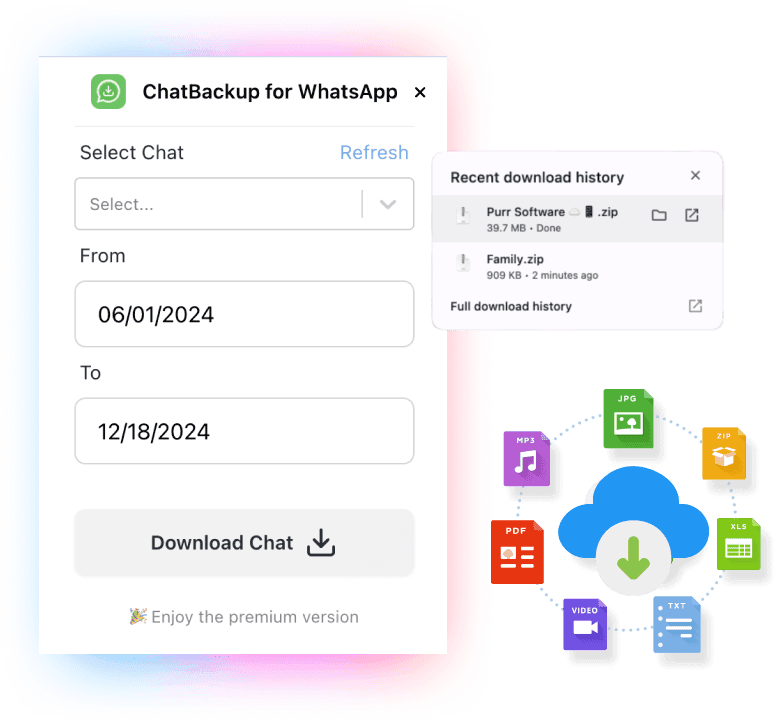
ChatBackup for WhatsApp
Export WhatsApp chats to Excel, CSV, or HTML. Securely download conversation history and media attachments directly from WhatsApp Web.
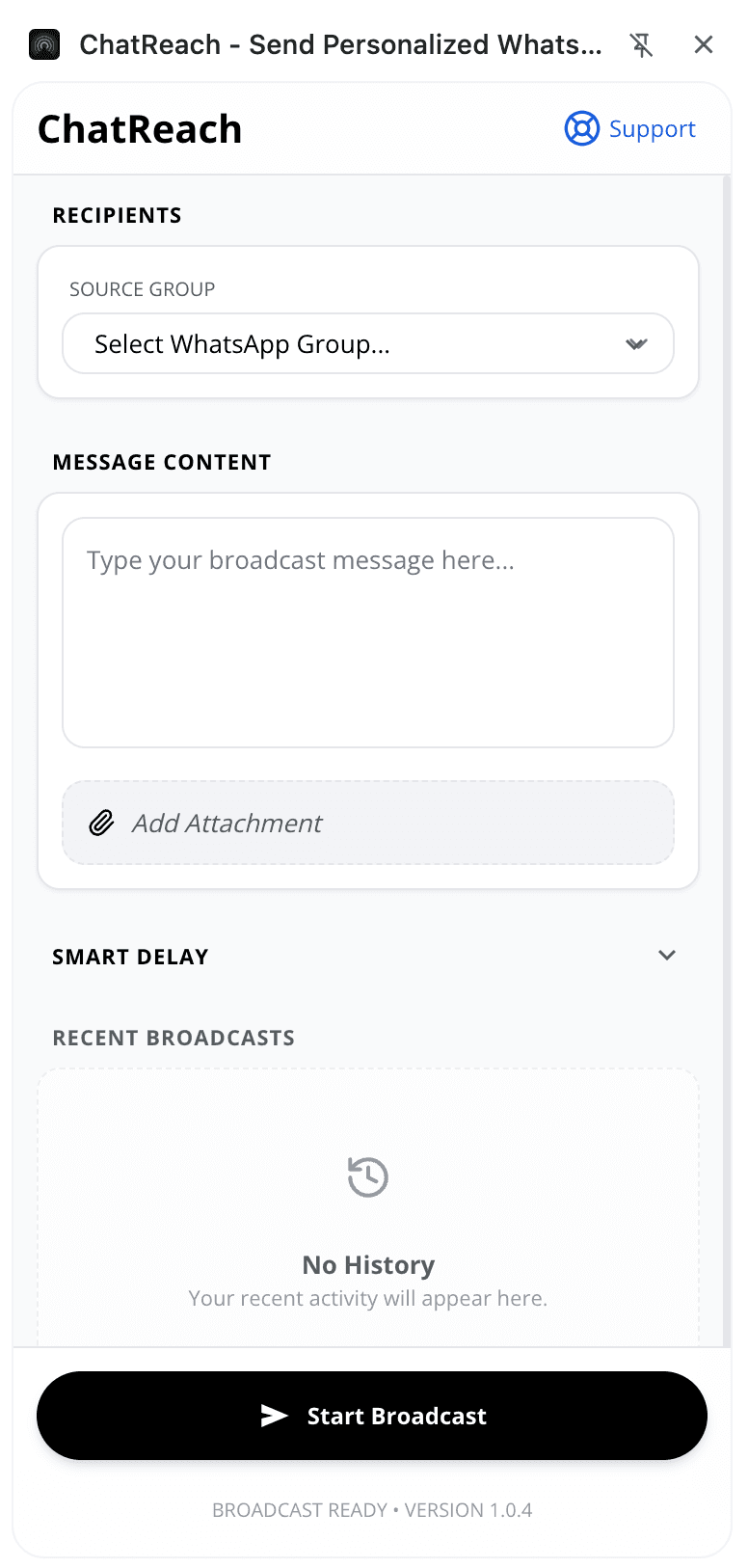
ChatReach for WhatsApp
Send personalized bulk messages directly to group members. Maximize WhatsApp marketing conversion rates without saving contacts.
Core Suite Functionality
Local Backup & Export
Save critical business chats locally as structured PDF, TXT, CSV, or HTML database formats.
Targeted Bulk Messaging
Extract members safely from specific group channels to initiate mass direct message workflows.
Media Preservation
Download media assets like attached images, video files, text documents, and audio notes simultaneously.
Personalized Delivery
Customize target message fields dynamically to run campaigns with zero risk of cold marketing bans.
Latest Knowledge Base Guides
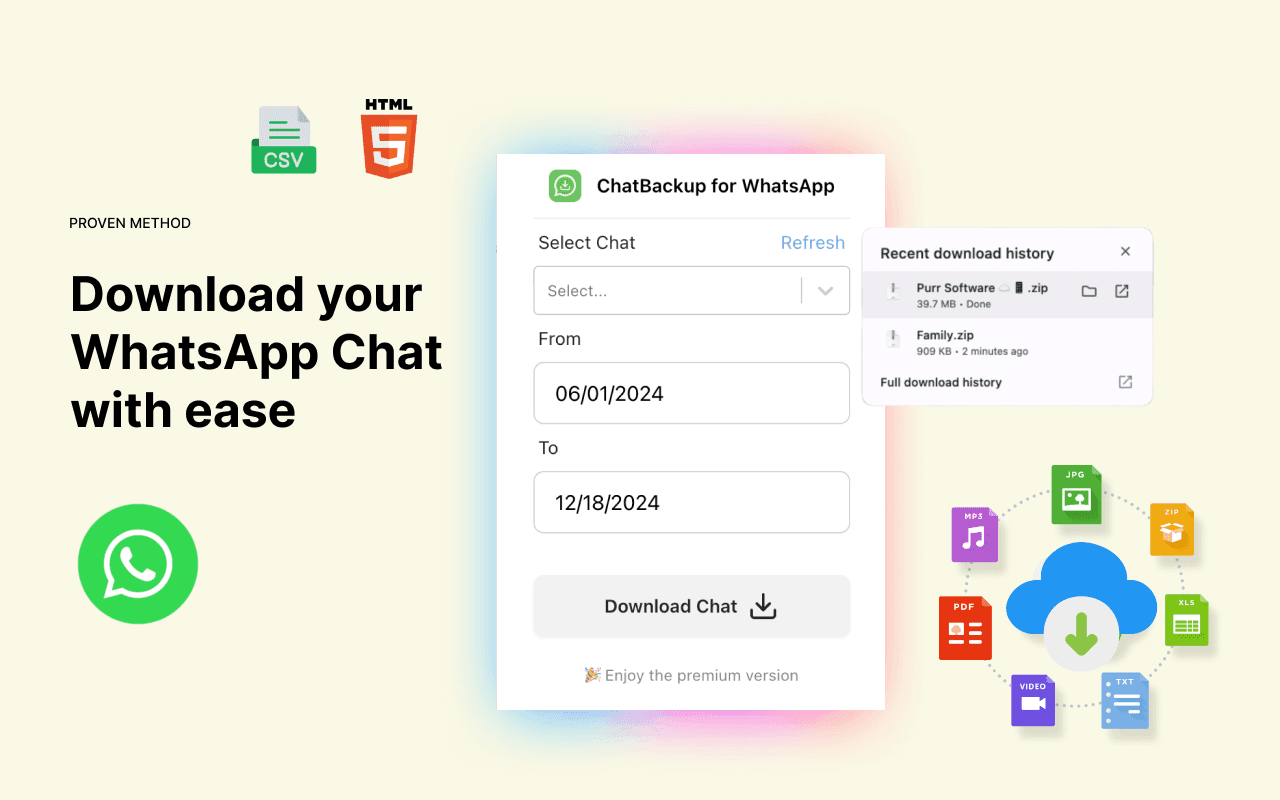
How to Download WhatsApp Chat from WhatsApp Web (CSV, Excel, or HTML)
Read Article →
Best WhatsApp Message Sender for Every Use Case in 2026
Read Article →
How to Send Bulk WhatsApp Messages in 2026
Read Article →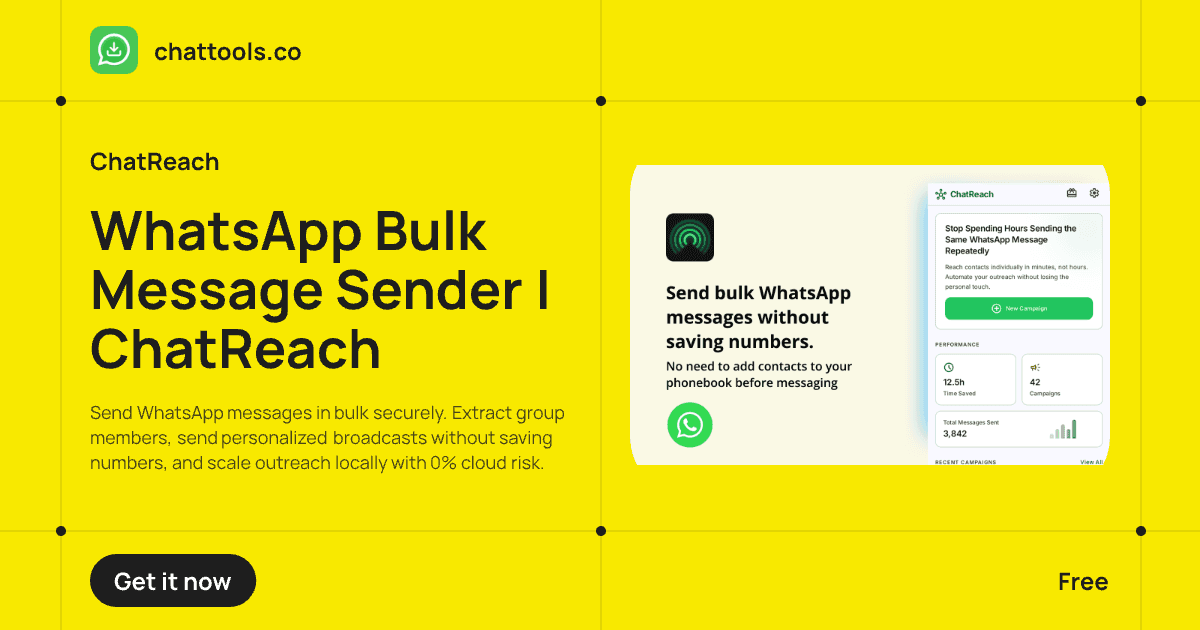
Stop Spending Hours Sending the Same WhatsApp Message Repeatedly
Read Article →Frequently Asked Questions
Are these extension applications secure?
Yes. Both tools process application data locally inside your web browser environment. No text data or media parameters are uploaded to external clouds.
Can ChatReach lead to account bans?
Our broadcaster utilizes deliberate pacing mechanics to send personalized individual text flows, matching realistic human activity profiles safely.
Does backup extraction capture media parameters?
Yes. The export script preserves voice recordings, file documents, and system image assets seamlessly alongside core conversation text rows.