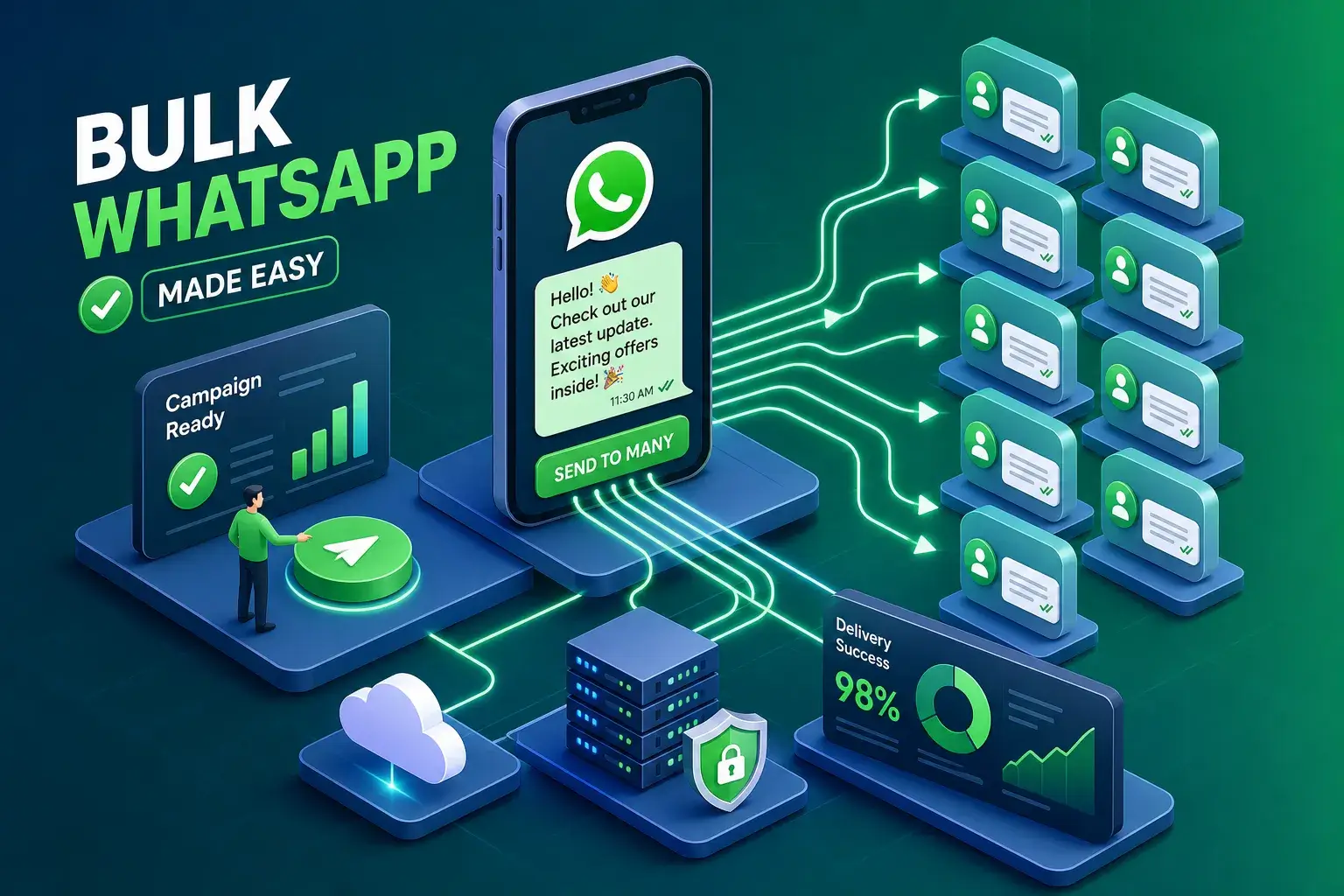
WhatsApp has more than 2 billion active users, and most small businesses are still sending each bulk WhatsApp message one contact at a time. They're copying, pasting, and hitting send, over and over, when there's a straightforward way to reach hundreds of people in a single organized campaign. Sending a bulk WhatsApp message means delivering the same message, or a personalized version of it, to many recipients through a system rather than by hand. In 2026, there are three real methods to do this: the free WhatsApp Business App, the WhatsApp Business API, and browser-based tools that skip the technical overhead entirely. This guide breaks down how each works, how to set one up, and how to stay out of trouble while you do it.
What a bulk WhatsApp message actually means
A lot of people confuse group chats with broadcast campaigns, and they're structurally different in ways that matter. A broadcast list sends each recipient their own private message. They can't see who else got it, and when they reply, it comes back to you as a one-on-one conversation. Group chats, by contrast, create a shared thread where every member sees every message and reply. For marketing purposes, the broadcast model wins every time. It feels personal, reads like a direct message, and doesn't expose your entire contact list to strangers.
The use cases where bulk WhatsApp messaging genuinely pays off are consistent across businesses: appointment reminders, flash sale announcements, order updates, event invitations, and lead follow-ups all perform well through broadcast campaigns. Small business owners, real estate agents, e-commerce sellers, and community managers tend to hit the limits of manual messaging long before they need enterprise infrastructure. WhatsApp's open rates run between 95 and 98 percent, compared to roughly 20 to 25 percent for email. That gap alone explains why so many businesses are moving their outreach here.
Three methods for sending a bulk WhatsApp message at scale
Each option has a clear best-fit scenario. None of them is universally right. The choice comes down to how many contacts you're reaching, how much technical complexity you're willing to absorb, and how much you want to spend per month.
The WhatsApp Business App (free, capped at 256 contacts)
The free Business App includes a broadcast list feature that lets you send to up to 256 contacts per list. There's no cost beyond downloading the app, and setup takes about five minutes. The hard limit is that recipients must have your number saved in their phone, or they won't receive the message. That requirement alone rules out cold outreach entirely. For a very small, warm list of existing customers, the Business App is a legitimate starting point, but it stops scaling the moment your contact base grows past a few hundred people.
The WhatsApp Business API bulk message route (unlimited, built for developers)
The API removes the contact cap entirely and opens up automation, CRM integrations, multi-agent team access, and Meta-approved message templates. It's the right infrastructure for businesses running high-volume campaigns at consistent scale. The tradeoff is real: you need a Meta Business account, a verified phone number, approved message templates, and either a developer or a Business Solution Provider to manage the connection. BSPs like WATI and Brevo handle the technical steps through a guided interface, but they add subscription costs starting around $59 to $119 per month on top of Meta's per-message fees. This is not a quick-start option. It's a commitment that pays off when your volume and automation needs justify the overhead. For a practical breakdown of the differences between the WhatsApp Business App and the API, see this comparison of WhatsApp Business App vs API here.
Browser-based bulk WhatsApp sender tools: the no-API middle ground
This is where ChatReach (ChatTools) fits. It's a Chrome extension that runs directly inside WhatsApp Web on your own device, no Meta approval process, no BSP subscription, no cloud upload of your contact data. You install it, open WhatsApp Web, load your contact list or extract it from an existing WhatsApp group, write your message with optional personalization variables, and start the send. Anti-ban delivery throttling runs automatically, mimicking natural typing delays to protect your account during mass sends. The free tier handles 100 messages per day. The Pro plan is $10 per month for unlimited outreach. For small businesses and community managers who need to reach more than 256 contacts but aren't ready for API complexity, this is the logical gap-filler.
How to set up your first bulk WhatsApp message campaign
The setup process depends entirely on which method you're using. For the browser extension route, the path is short: install, extract or import contacts, draft your message, send. For the API route, there are more steps, and skipping any of them creates problems downstream. For more setup guides and walkthroughs, check our WhatsApp Management & Marketing Guides.
Template creation and the Meta approval process
API users can't send free-form marketing messages to recipients outside an active conversation. Every outbound campaign requires a Meta-approved template. You create templates inside WhatsApp Manager by choosing a category: Marketing, Utility, or Authentication. Keep the copy concise and accurate. Avoid clickbait phrasing, misleading claims, excessive emoji, and vague variable placeholders at the beginning or end of the message. Approval typically comes back within minutes to 24 hours for clean templates. Category selection matters for cost: Marketing templates are the most expensive and are currently blocked for US recipients as of Meta's April 2025 policy change. Utility templates, which cover order updates and appointment reminders, are lower cost and easier to get approved for transactional sends.
Registering a number and connecting to the API
You have two routes. The direct route through Meta's Cloud API requires creating a Meta Developer app, verifying your business, registering a phone number via POST request, and setting up permanent admin tokens. It gives you full control but assumes developer comfort. The BSP route handles all of that through a guided interface: you connect your Facebook Business account, verify the phone number, and let the BSP manage the API connection. WATI, Brevo, and NovoChat are among the most widely adopted BSPs in 2026. The BSP route costs more monthly but removes the technical barrier completely. Test your templates on a spare account before activating production billing.
The browser extension route for beginners
If you need to send a bulk WhatsApp message to 500 contacts today and can't spend a week on API setup, ChatReach's approach is straightforward. Install the extension from the Chrome Web Store, open WhatsApp Web, and either paste in your contact list or extract members directly from an existing WhatsApp group. Add personalization variables, set your message, and let the throttle handle the timing. No template approval required. No API keys. All data stays on your device. It's not the right tool for a 50,000-message enterprise campaign, but it's exactly right for a local business owner who needs to reach their customer list this afternoon. If you want a step-by-step playbook for saving time with repeated sends, read our guide Stop Spending Hours Sending the Same WhatsApp Message Repeatedly.
What triggers WhatsApp account bans during bulk campaigns
WhatsApp doesn't ban accounts for sending a lot of messages. It bans accounts for behaving like spam. The distinction is specific and worth understanding before you send anything at scale.
The behaviors WhatsApp actually monitors
Sending identical messages to many recipients in rapid succession without time gaps looks like automated spam to WhatsApp's detection systems. Using purchased or scraped contact lists, numbers that never consented to hear from you, generates block and report rates that quickly damage your account's quality rating. Continuing to message users after they've asked to stop is a direct terms-of-service violation. Using unofficial automation tools that send at machine speed is flagged within hours, sometimes minutes. WhatsApp monitors behavior patterns across all of these dimensions simultaneously, not just raw volume.
Account tiers and quality ratings
Personal accounts can send roughly 250 to 500 messages per day. Unverified business accounts sit around 1,000. Meta-verified business accounts scale up to 100,000 per day, and accounts with sustained high quality ratings can reach the unlimited tier. Quality ratings are driven by recipient behavior: low block rates and high engagement move accounts up; spam reports push them down. The practical implication is that a clean, consented list protects your account tier more reliably than any tool or workaround. For a specific breakdown of bulk messaging caps and how platforms interpret limits, this WhatsApp bulk messaging limits guide is a useful reference here.
Anti-ban delivery practices that actually work
Two things matter most: randomized send delays between messages, and a clean contact list with genuine opt-in consent. Human-mimicking delays prevent the rapid-fire pattern WhatsApp flags as automated spam. A consented list keeps your block rate low enough that your quality rating stays healthy. ChatReach's built-in anti-ban throttle handles the timing automatically, so you don't need to manually pace your sends. The risk of using unverified tools that send at machine speed isn't hypothetical. WhatsApp banned over 8 million accounts in India in a single month in 2024 for spam-related violations, and the success rate for appealing a permanent ban is very low. For an industry take on safe bulk messaging practices, see this bulk messages guide on best practices.
Consent, personalization, and list hygiene
Deliverability is only partly about account safety. The other part is whether people actually read and respond to what you send. That's determined almost entirely by list quality and message relevance.
Getting explicit opt-in consent the right way
A phone number is not consent. WhatsApp's terms and U.S. TCPA-aligned best practices both require explicit opt-in specifically for WhatsApp messages, including your business name, the types of messages you'll send, and a clear opt-out path. The practical collection methods are unchecked checkboxes on signup forms, keyword-triggered opt-ins (a contact texts "YES" to join), QR codes, and Click-to-WhatsApp ads. Capture separate consent for promotional and transactional messages, someone who opted in for order updates hasn't agreed to receive flash sale announcements. Document consent timestamps and store them somewhere you can reference if needed. For tactical approaches to capturing and managing opt-ins, review this guide on how to collect WhatsApp Business opt-ins from Infobip.
Personalization variables and list cleaning
Inserting a recipient's first name, a specific product detail, or a relevant reference turns a broadcast into something that reads like a personal message. Higher perceived relevance means lower block rates, which means a healthier account quality rating. Generic "Hello customer" blasts at scale are both ineffective and more likely to get reported. For frequency, one to two promotional messages per month is the safe range for marketing content; transactional messages can go out as events occur. Remove contacts automatically when messages fail to deliver or when someone opts out. A smaller, engaged list consistently outperforms a large, unresponsive one.
What bulk WhatsApp messaging actually costs in 2026
Meta switched from conversation-based to per-message pricing on July 1, 2025. The current US rates for API messages are $0.004 per utility or authentication message and $0.025 per marketing message, though marketing messages to US numbers are currently blocked by Meta's April 2025 policy. Service messages initiated by the customer are free up to 1,000 conversations per month. BSP markups add roughly $0.003 to $0.010 per message on top of Meta's rates. A business sending 100,000 utility messages per month should budget approximately $900 to $1,500 all-in, including BSP subscription costs.
For small businesses sending a few hundred messages per month to a warm list, that math doesn't work. API setup through a BSP runs $59 to $279 per month before per-message fees. ChatReach at $10 per month sits squarely in this gap, enough volume for meaningful outreach without the overhead of developer setup, template approval queues, or enterprise subscription tiers. The right choice is a function of message volume, automation requirements, and whether you're building a multi-channel enterprise system or running targeted campaigns from a single WhatsApp account.
Choosing the method that fits where you are now
The decision framework is straightforward. Use the free Business App if your list stays under 256 contacts and everyone already has your number saved. Use the Business API if you're running high-volume campaigns that require automation, CRM integration, and multi-agent team access. Use a browser-based bulk WhatsApp sender like ChatReach if you need more capacity than the app allows but aren't ready to navigate API approvals, BSP subscriptions, and template review cycles.
Regardless of which method you choose, a few things remain non-negotiable: explicit opt-in consent from every contact on your list, personalized messages that feel relevant rather than generic, and human-like send timing that keeps your account quality rating intact. None of those require expensive infrastructure. They require discipline and a clear process before you hit send.
Start with the method that fits where your business is today, not where you imagine it might be in two years. You can always migrate to a more complex setup as your volume grows. What you can't easily recover from is a permanent account ban because you moved too fast with the wrong tool and the wrong list. Get the fundamentals right first, then scale from there. Ready to send your first bulk WhatsApp message? Pick the method that matches your current volume and start there.